
Save the Dates have just become beautifully simple.
Designed to be shared with friends and family straight from your phone, Gather's customisable Save the Dates integrate with any platform you like; WhatsApp, Messenger, Text, Email or a combination of them all. Best of all; they’re completely free to use.
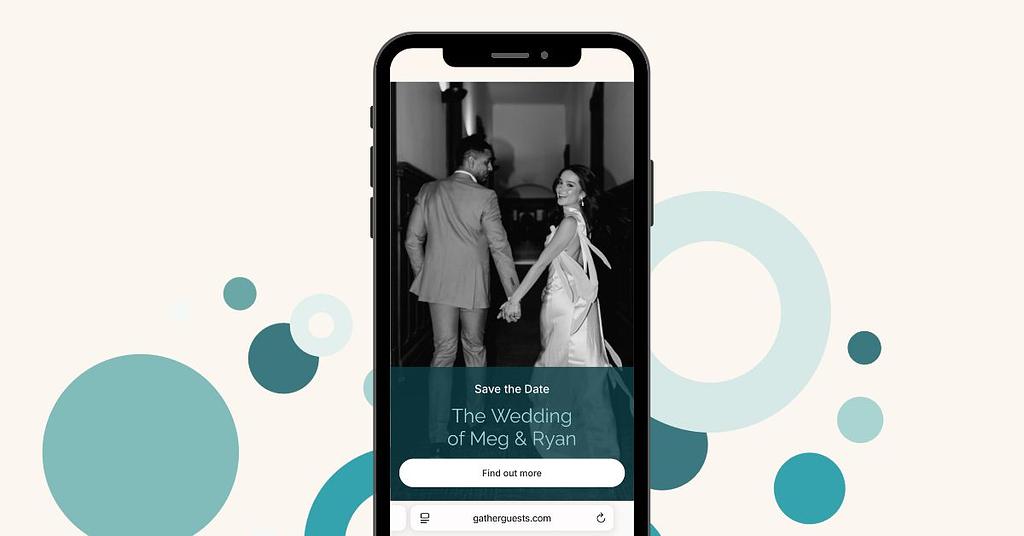
When guests follow your custom link, they’ll be welcomed to your personal Save the Date ‘landing page’ via a chosen portrait image with the name of your celebration below. This is where you can spotlight those all important engagement shots or even an illustration you might have commissioned.
Click Continue to reveal the date (or dates) of your celebration alongside any message you might want to include: whether it's details on the location, dress code, or just a simple, pre-emptive thank you.
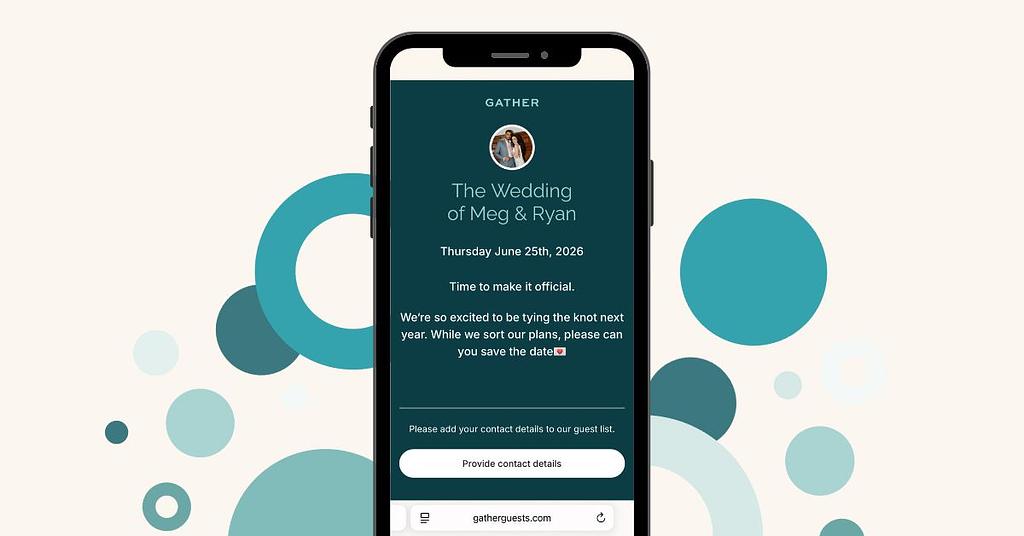
You can even set your Design theme to match your wedding aesthetic, setting the tone for your special day.
Wanting to have guest’s contact details and postal addresses added straight to your guest list? You can add Contact Collector to your Save the Dates. We’ll ask for their information when they view your note, meaning you can sit back and watch as your guest list updates itself in real time.
Ready to get started? You’ll find Save the Dates in the main menu, just below Guest List.
Need a hand? You can read our Setup Tutorial here.
Read more:
How Technology Transforms the Guest Experience
Eco-Friendly Wedding Planning: Small Choices with Big Impact
From Pushy to Polite - Etiquette for Chasing Wedding RSVPs
The 12 Wedding Guest Archetypes You Meet at Every Celebration
How to Reduce the Stress of Planning Your Wedding
Managing a Large Wedding Guest List, Without the Stress